Fleet Compliance
Digital Vehicle Inspection Apps: Why UK Fleets Are Going Paperless
Approx. 9 min read • Updated January 2026
TL;DR
- Paper inspection forms are inefficient, easily lost, and hard to search for audits
- Digital apps capture check items, photos, mileage, and timestamps automatically
- DVSA requires "an effective system" for daily checks—digital satisfies this with better traceability
- Defects reach maintenance the same day they are found, reducing breakdowns and compliance risks
Every UK operator running vehicles over 3.5 tonnes must conduct daily walkaround checks. For smaller commercial vehicles, it's simply good practice that prevents breakdowns, accidents, and liability issues. But if you're still using paper forms, you're creating work for yourself and risking compliance gaps.
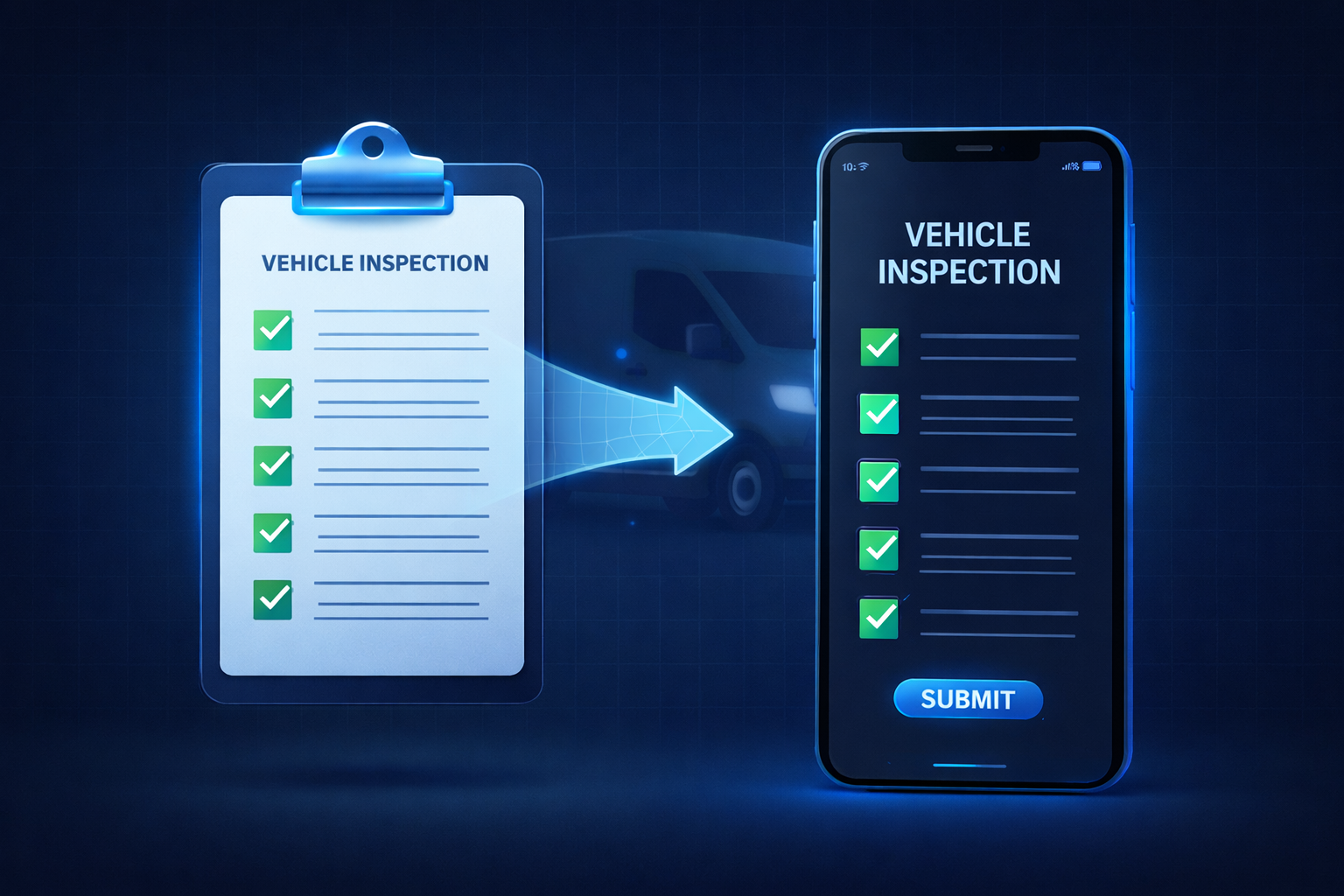
Digital vehicle inspection apps replace the clipboard and carbon copies with a mobile-friendly workflow that's faster for drivers, visible to managers as soon as it is submitted, and audit-ready at all times. This guide covers why the switch matters and how to make it work.
UK Legal Requirements for Vehicle Inspections
The DVSA's "Guide to Maintaining Roadworthiness" requires O-licence holders to have an effective system for drivers to report defects. While the guide doesn't mandate a specific format, it does require:
- Daily walkaround checks before first use
- A system for reporting and recording defects
- Evidence that defects are acted upon
- Records retained for at least 15 months
Paper forms technically satisfy these requirements, but they create practical problems: forms get lost, handwriting is illegible, there's no timestamp proof, and pulling records for an audit means digging through filing cabinets.
Digital apps provide better compliance because every check is timestamped, geotagged, and searchable. When the Traffic Commissioner asks for six months of inspection records for vehicle X, you can produce them quickly.
Paper vs Digital Inspection: Direct Comparison
| Aspect | Paper Forms | Digital App |
|---|---|---|
| Time to complete | 10-15 minutes | 3-5 minutes |
| Defect notification | End of day (if remembered) | Email/notification as soon as it is submitted |
| Photo evidence | Rarely attached | Built into workflow |
| Audit retrieval | Hours of filing | Seconds (search/filter) |
| Timestamp proof | Driver's written date | Automatic GPS + time |
| Missing checks visible | Only if you count forms | Dashboard alerts |
| Storage | Filing cabinets | Cloud (automatic backup) |
What a Good Vehicle Inspection App Should Cover
A comprehensive digital vehicle check should include all the items a thorough walkaround covers:
Exterior Checks
- • Tyres (tread, pressure, damage)
- • Lights (all positions)
- • Mirrors and glass
- • Body damage
- • Number plates
- • Fuel/oil leaks
Interior Checks
- • Steering play
- • Brake operation
- • Warning lights
- • Horn, wipers, washers
- • Seatbelts
- • Dashboard instruments
Load Area
- • Floor condition
- • Doors/locks
- • Load securing equipment
- • Fridge unit (if applicable)
- • Cleanliness
Documentation
- • Current mileage
- • Fuel level
- • Driver signature
- • Date/time stamp
- • Photo evidence option
The Wise Mile's vehicle check covers these areas, with check records stored against the vehicle registration so they are easy to find later.
Step-by-Step: Implementing Digital Vehicle Checks
Set Up Your Vehicle List
Enter all vehicles with registration numbers, types, and any specific check requirements. This takes about 5 minutes per vehicle initially.
Configure Check Templates
Review the default checklist and customize if needed. Add any items specific to your operation (e.g., tail lift checks, refrigeration unit tests).
Set Up Notification Rules
Configure who gets notified when defects are reported: transport manager, maintenance team, or specific individuals for specific defect types.
Train Drivers (10 minutes)
Show drivers how to access the app, complete a check, and report defects with photos. Most drivers find digital faster than paper after one or two uses.
Monitor Compliance Dashboard
The dashboard shows which vehicles have been checked today, any outstanding defects, and historical compliance rates. Flag vehicles that haven't been checked before they leave.
Integrate with Maintenance
Use defect reports to trigger maintenance workflows. The digital record shows exactly when a defect was reported and when it was resolved.
How Digital Defect Reporting Works
The real value of digital inspection apps shows when something's wrong. Here's the typical workflow when a driver finds a defect:
- Driver taps the relevant check item and marks it as "Defect"
- App prompts for a description and photo
- Driver indicates severity: minor, major, or "vehicle not roadworthy"
- Report submits automatically with timestamp and GPS location
- Transport manager and maintenance are notified as soon as it is submitted
- PDF report generates and stores in compliance records
- Defect status can be tracked until resolution
Compare this to paper: driver writes something illegible, form sits in the cab all day, gets handed in tomorrow morning, and maintenance finds out 24+ hours later.
Frequently Asked Questions
Are digital vehicle checks DVSA compliant?
Yes. The DVSA requires "an effective system for ensuring that daily checks are conducted and defects reported." Digital apps often exceed this standard because they provide timestamped, geotagged, searchable records with photo evidence.
What if a driver doesn't have a smartphone?
Most fleet apps work on any modern iOS or Android device. For drivers without personal smartphones, companies often provide basic work phones (£50-100) or shared tablets kept in vehicles.
Can I customize the checklist for different vehicle types?
Yes. Good apps let you create templates for different vehicle types—a 7.5t box truck has different checks than a transit van. You can add custom items for specific equipment like tail lifts or refrigeration units.
What happens if there's no mobile signal?
Most apps work offline—the check saves locally and syncs when connectivity returns. Drivers can complete checks in rural areas or underground car parks without issues.
How long should I keep digital inspection records?
DVSA guidance recommends keeping walkaround check records for at least 15 months. Digital systems typically store records indefinitely, so you'll always have historical data available.
Make Compliance Easy, Not Extra Work
Vehicle inspections aren't going away—they're a legal requirement and genuine safety measure. The question is whether you handle them with inefficient paper forms or simple digital workflows that save time, improve defect response, and make audits painless.
The Wise Mile's digital vehicle check system covers captures photos and mileage, stores each check against the vehicle registration, and integrates with our compliance dashboard for complete audit readiness.